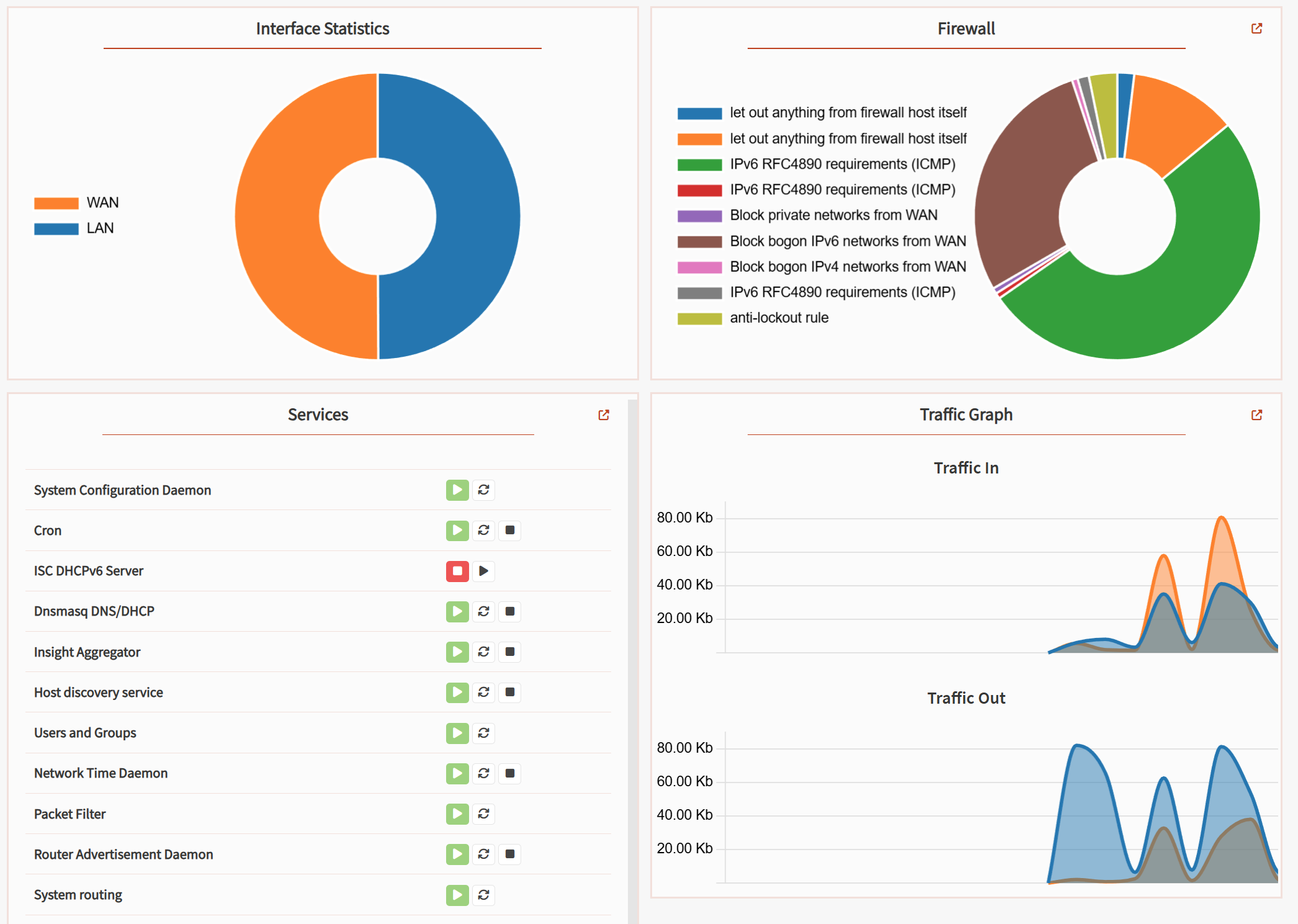
This is not a commercial. No prior or any contact was made to Q-feeds.
With a fresh install of OPNsense, I have been looking for tips on how to cover the most security, the fastest and with the least amount of effort. Not to skip learning, but to enhance security as fast as possible.
I came by Q-feeds, which is a company that offers dynamically updated threat lists and they have an official OPNsense plugin! Q-feeds is also European based and offers a free subscription, which the downside of being 7 days delayed on updates. https://docs.opnsense.org/manual/qfeeds.html
Sign up for the free service or paid: https://qfeeds.com/opnsense/
Install the OPNsense Q-feeds plugin. Go to System > Firmware > Plugins and search for “q“, press the + icon out in the right side to install it.

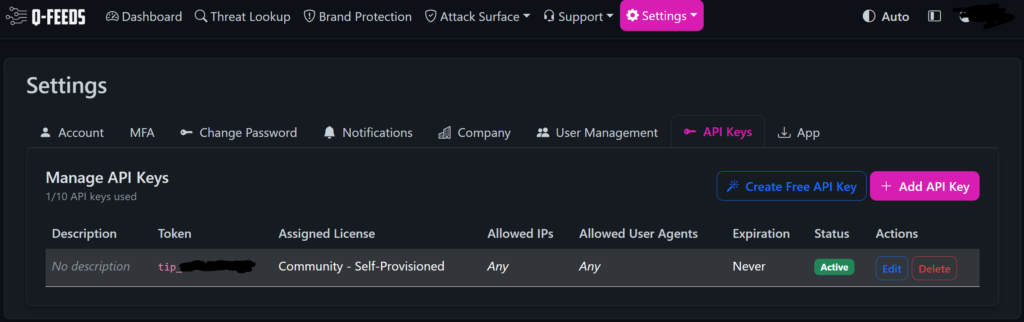
A new menu option will appear, you might have to refresh browser with F5 for it to appear. Click Security > Settings and insert the API key from the Q-feeds dashboard.

Q-feeds will help you with updated lists of malicious IP addresses and malicious domain names, to use in two simple firewall rules.
The LAN rule is set up to block any devices on your network from connecting to bad actors. The direction is in, as its blocking data INTO the LAN interface from your devices.

The WAN rule is set up to block any bad actors on the Internet to connect to devices on your network. The direction is in, as its blocking data INTO the WAN interface from bad actors on Internet.

You can also activate Log on both LAN and WAN, to track packages blocked by these rules.
I am currently unsure how to test if the rules are working. There is also some uncertainty on the ranking of firewall rules, since the q-feeds rules can not be ranked in front of the default defined rules.
Please do comment on how to properly verify and test this 🙂
Discover more from SCADA, PLC and Automation Engineering
Subscribe to get the latest posts sent to your email.