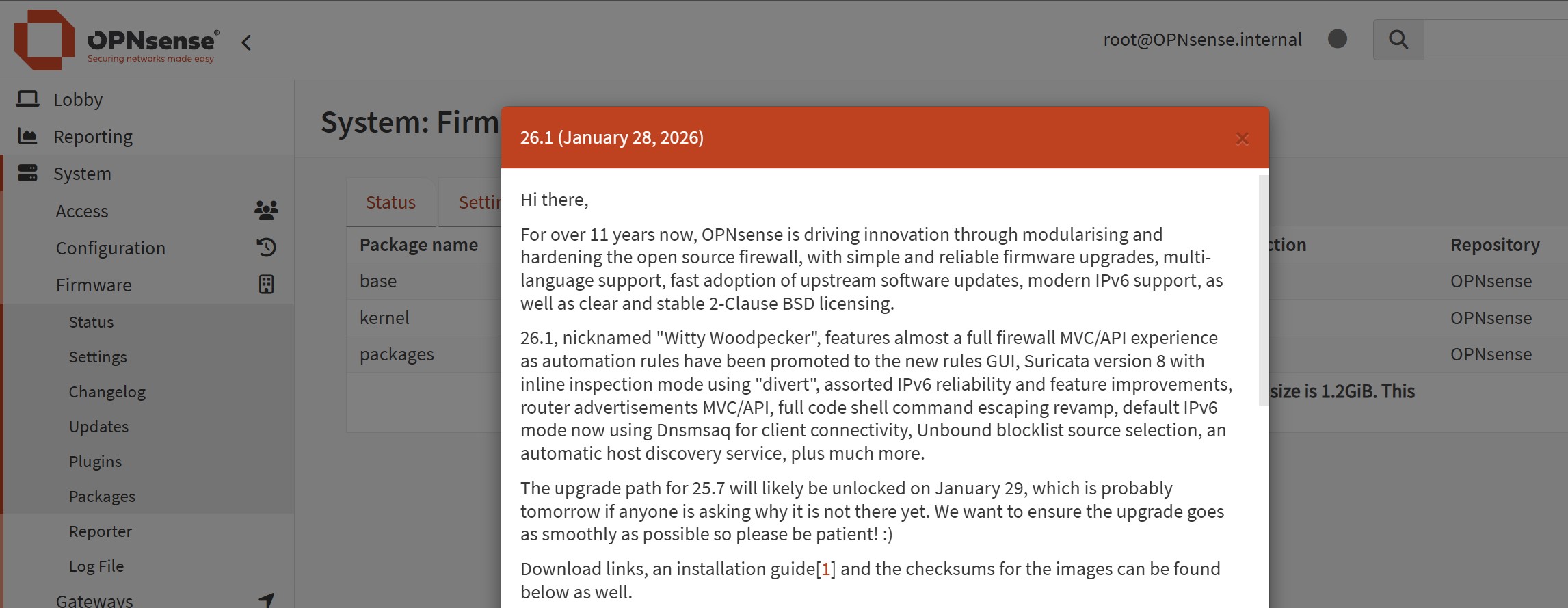
It has been over 9 months since OPNsense was installed and I postponed updating the software on multiply occasions. The worst possible choice when it comes to cyber security.
I was on OPNsense version 25.7.11_2 and the latest OPNsense version 26.7 was released on the day of performing the update, 30th September 2026.
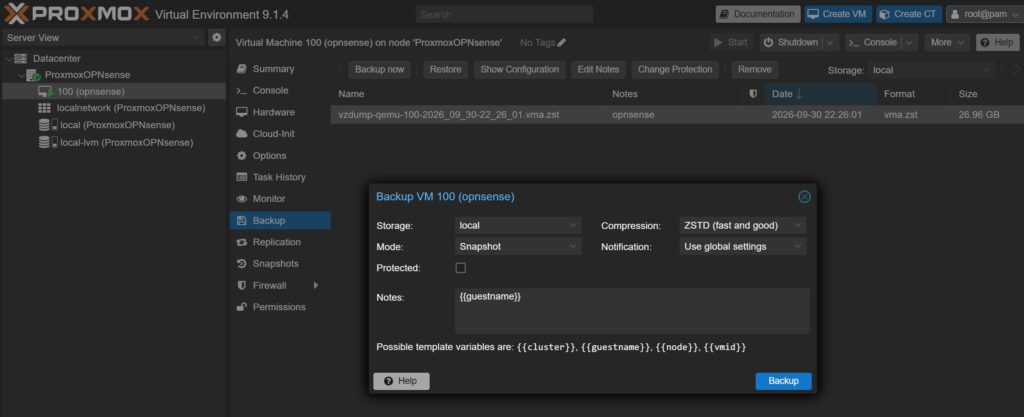
First we need to make snapshot backup of our VM, this is done in Proxmox. Select the virtual machine, go to Backup and hit the button Backup now. It took a few minutes to do the job.
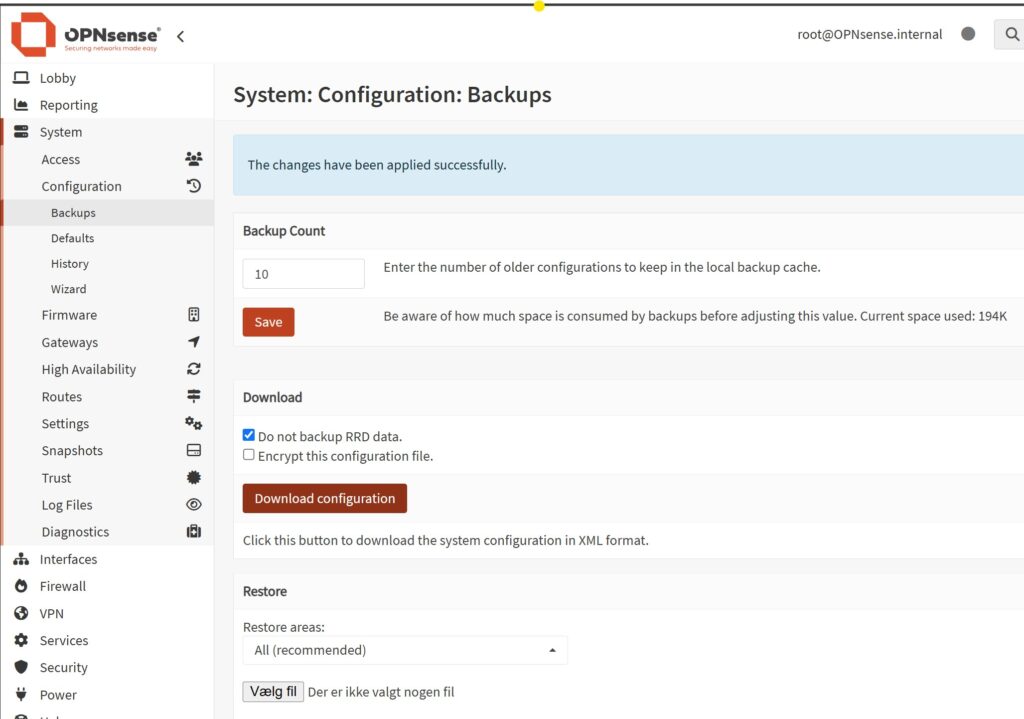
As an extra precaution, we can save the OPNsense configuration. This makes it possible to restore the configuration into a fresh install, should our snapshot backup not be able to be restored.
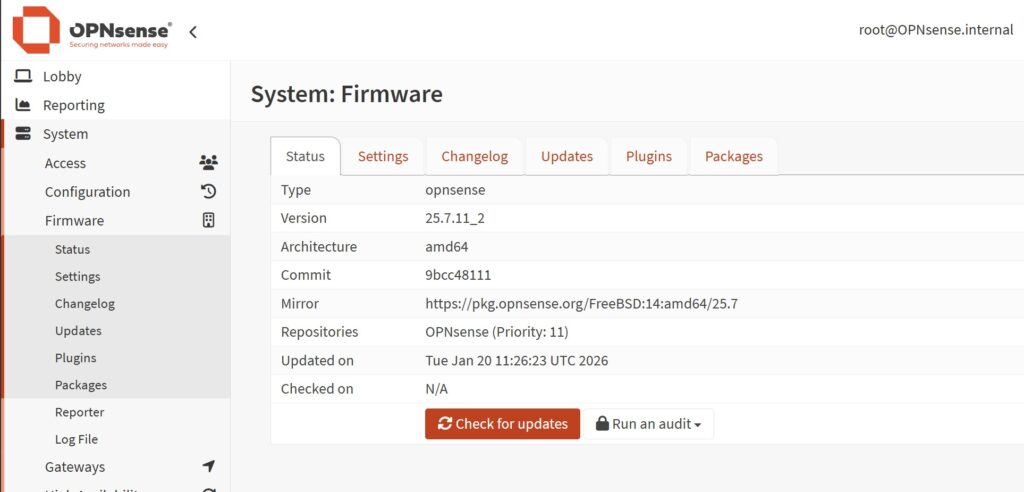
To update the OPNsense firmware go to System, Firmware, Status and click on Check for updates button.
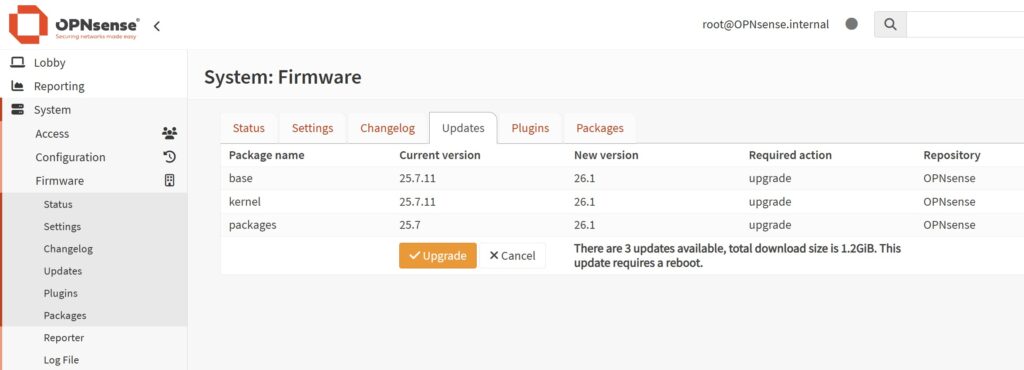
A list of available updates pops up and you can choose to click the Update button. This is your last time to cancel installing an update. Notice that the updates are being done in steps, not directly from version 25.7.11_2 to 26.7.

The instructions tell us that the first step of upgrading does not get us out of the end of life version that the version 25 series is on. But the process is seamless and can be performed from the web GUI. The first minor update did not trigger a reboot.

The next large step is getting from version 25.7.11_9 to the new modularized version 26.1.
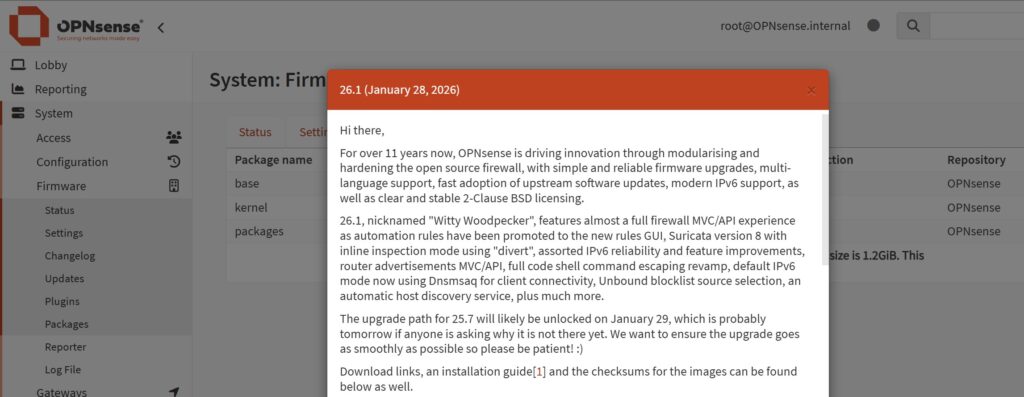
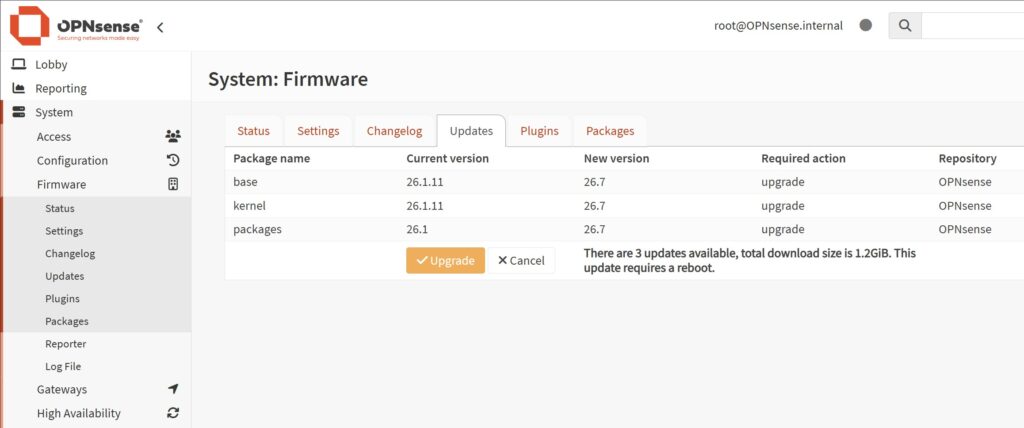
This si a large update of 1.2 GB and it requires a reboot of the firewall.
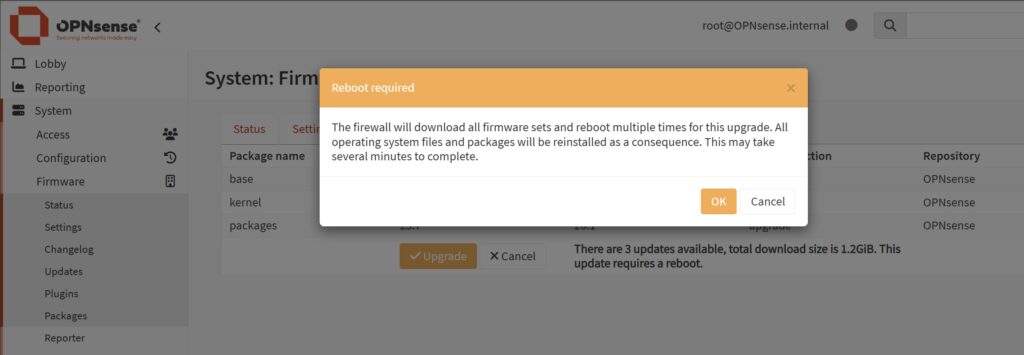
Multiply reboots can be expected.
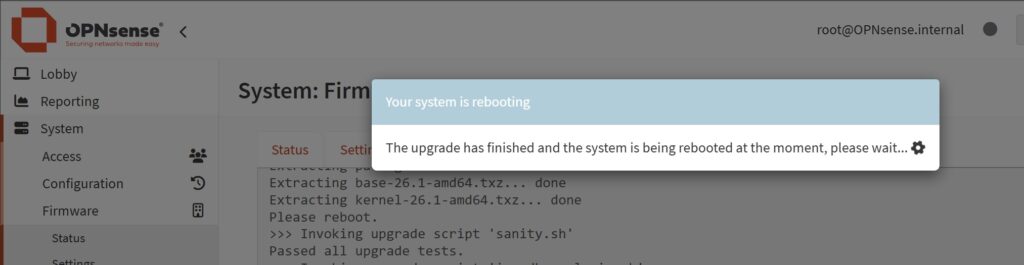
Wait and hope for the best.
After the update, we have to manually go to System, Firmware, Status and click Check for updates button again.

The update from version 26.1 to version 26.1.11 is quite large. The new modularized approach really shows here, as there is 115 updates instead of 3.

Another reboot is required. This is where your automatic startup and if DHCP still works, really gets tested.

Going from version 26.1.11 to version 26.7 is another major upgrade with only 3 files and 1.2GB in size.
Reboot, reboot, reboot.

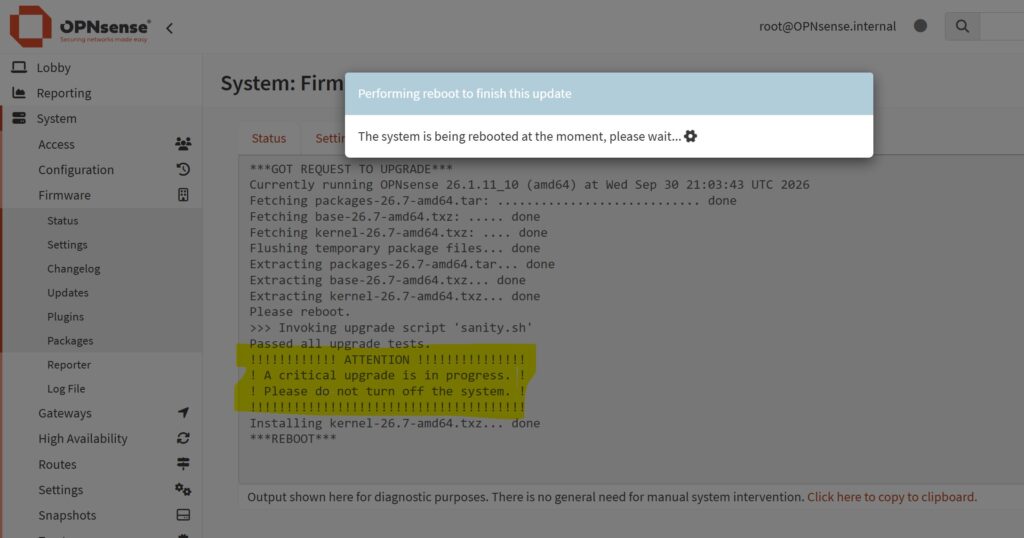
This is the first time that I notice the warning in the log window. “A critical upgrade is in progress. Please do not turn off the system”
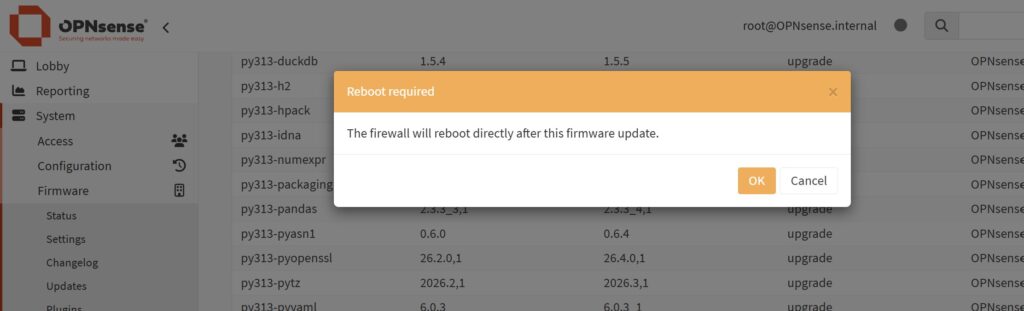
The next update round is from version 26.7 to version 26.7.5 and this is a whole lot of module updates.

There is a total of 86 updates modules.

The last and final reboot!
Finally! After hitting that Check for updates button 5 or 6 times, there is no more to update and the system is at latest patch level!

Between all reboots my PC regained its internet access through OPNsense. This is really a stable piece of software that is able to do an upgrade like this and not throw a single problem at me 🙂
Discover more from SCADA, PLC and Automation Engineering
Subscribe to get the latest posts sent to your email.